
What is New in the Oxygen Git Client Add-on 6.0
Version 6.0 of the Oxygen Git Client add-on is our biggest update yet. The star of this release is a much more powerful Git History view, but there's also AI-assisted conflict resolution, better control over stored credentials, partial stashing, and a long list of everyday improvements. Here are the highlights.
The Git History view, reimagined. The History view is where you make sense of what happened in a repository, so we made it far more informative and interactive.
-
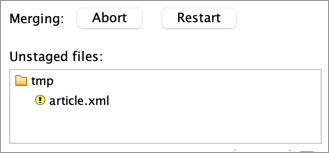
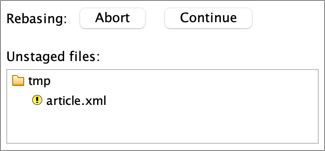
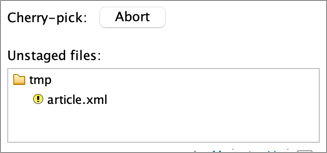
The graph tells the whole story. Your uncommitted changes appear right on the graph as their own node, now joined by a dashed line to its parent commit — or to both parents when a merge is under way. And while a merge, rebase, cherry-pick, or revert is in progress, the commits involved are marked directly on the graph: your starting point as Start (Mine) and the incoming side as Incoming (Theirs), HEAD, the Cherry-picked (Theirs) commit, or the Reverted (Theirs) commit. You can always see exactly where you are.
Figure 1. Uncommitted changes and conflict markers, shown right on the history graph 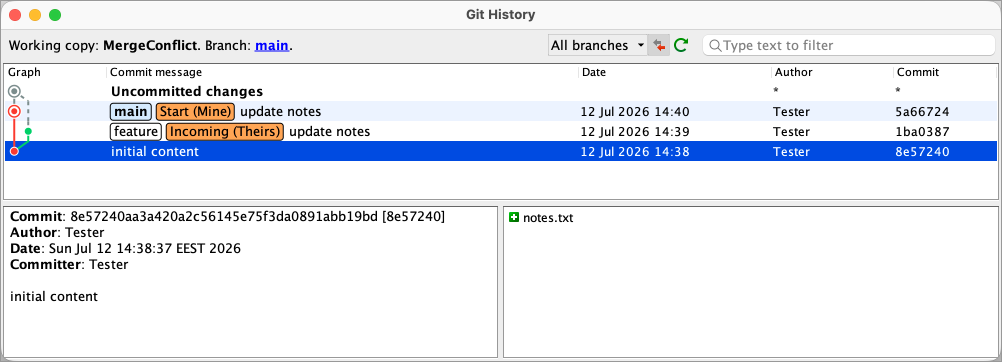
-
Compare any two points in history. Select two commits to see the differences between them — or select your uncommitted changes together with a revision to see exactly what you've changed since then.
Figure 2. See the changes between two revisions in the Git History view 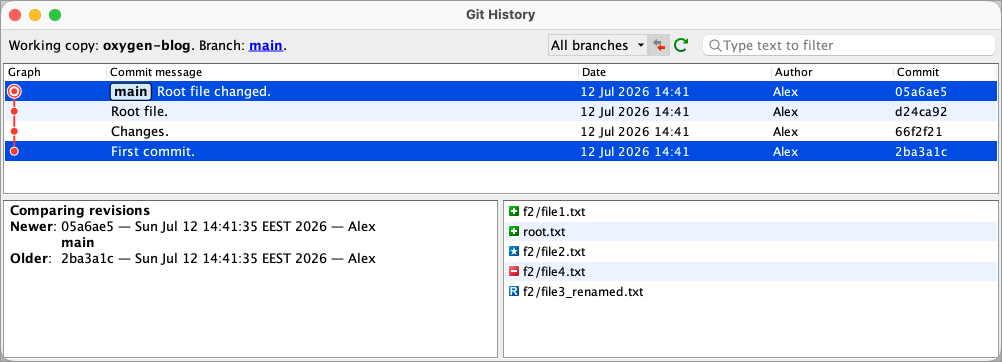
-
Interactive branch labels. Double-click a branch label to switch to that branch. Hover it for tracking information use the contextual menu for actions such as Go to tracking branch, Delete and Show in Branch Manager. The current branch is highlighted, allowing you to spot it at a glance.
Figure 3. Highlighted current branch and branch label tooltip 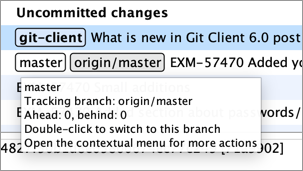
-
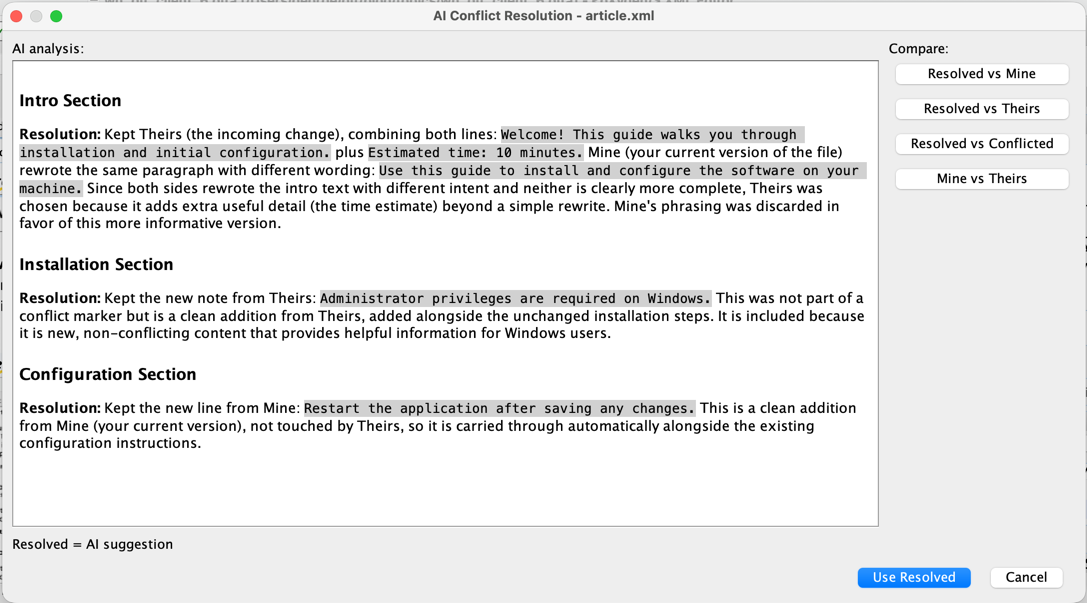
Interactive status labels. The status bar shows the working copy, the branch, and the file whose history you're viewing. Click the branch to jump to its entry in the graph, or click the X next to the file to clear the filter and return to the full history.
Figure 4. Interactive status information in the History view toolbar 
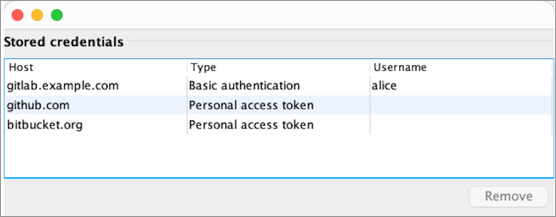
Take control of your credentials. A new Credentials preferences page lists every credential the Git Client has stored, with its host, type (personal access token or basic authentication), and username. You can remove entries individually instead of wiping everything at once, the login dialog now pre-fills the authentication type and username it already knows, and you can clear a stored SSH passphrase on its own.
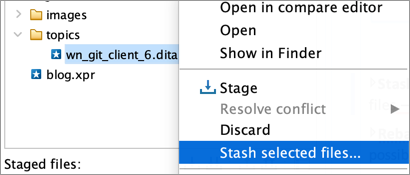
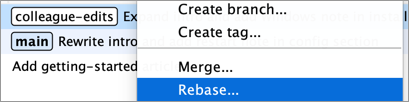
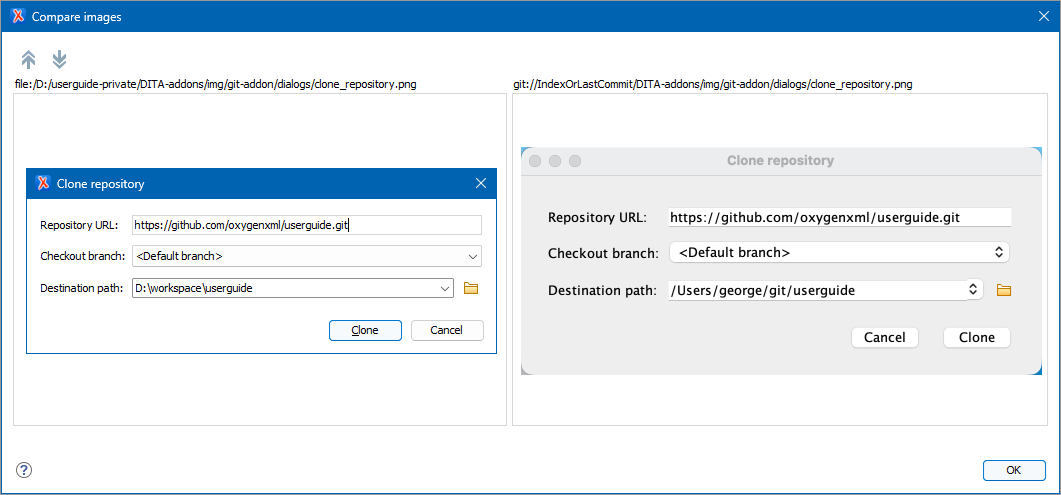
Compare images visually. When you compare image files, the Git Client now opens a true side-by-side image comparison — newer version on the left, older on the right — instead of a text diff.
.gitignore — a single file, a
whole extension, a folder, or its parent folder.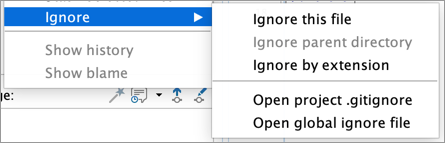

And a long list of everyday improvements:
-
Push and Pull on the current branch's context menu.
-
Checking out from history now pre-fills the new branch name and sets up remote tracking.
-
Blame gets a Hide Blame action, and clicking a line selects its commit in the History view.
-
The Branch Manager now fetches automatically when you open or refresh it, so new remote branches appear on their own within seconds. The "outdated branches" check is now opt-out.
The Git Client add-on works with Oxygen XML Editor, Author, Developer, and Oxygen JSON Editor. To get 6.0, update the add-on from Help > Install new add-ons, or drag the Install button from the add-on page into the editor. Give it a try and let us know what you think!